M-PESA Go: The Ultimate Parent’s Guide to Junior Mobile Money
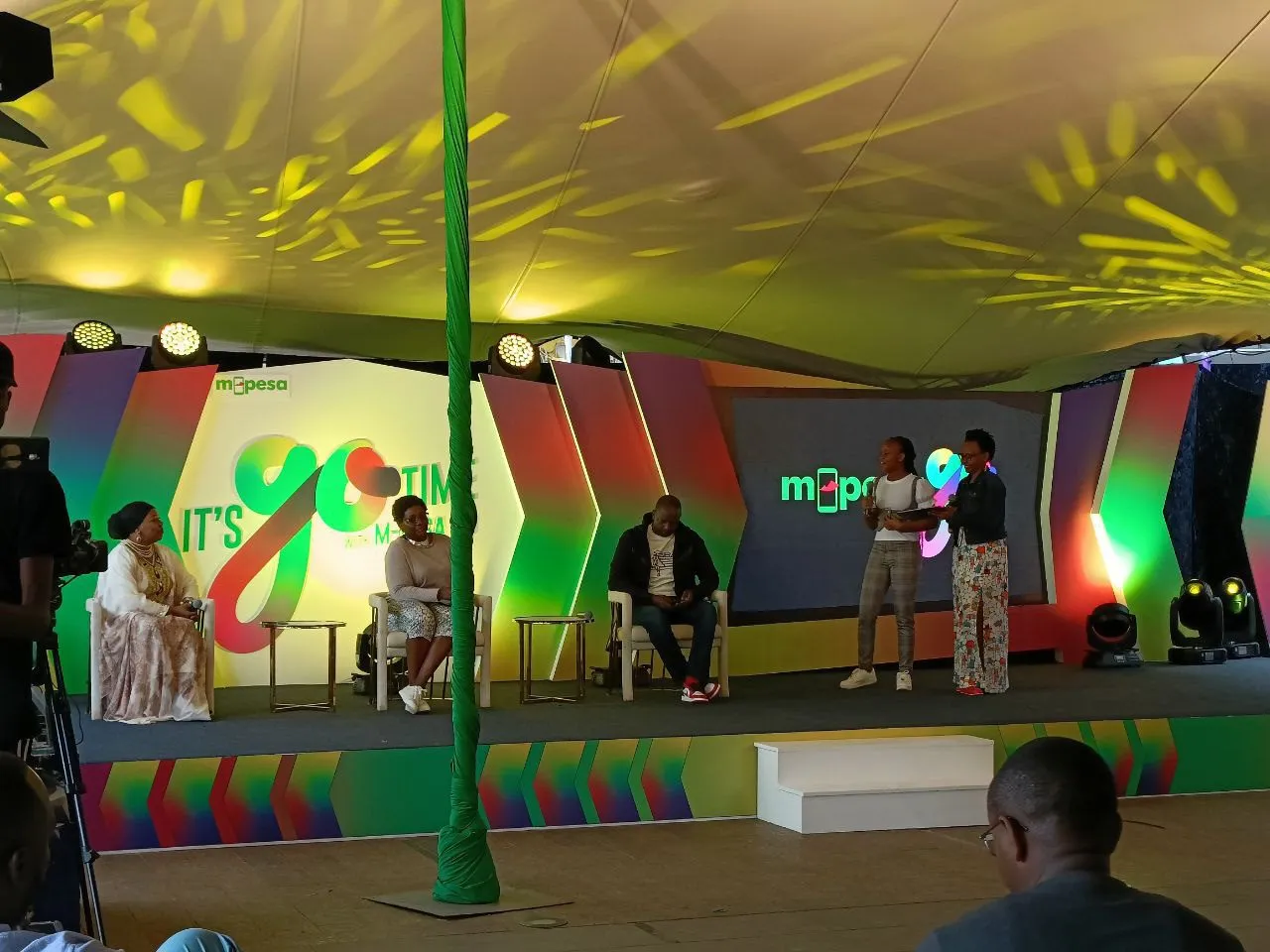
In a world where everything is going digital, its more important now than ever that the next generation has a good understanding of how money works - and thats where M-PESA Go comes in. Its a special version of the M-PESA app that lets kids aged 12 to 17 use mobile money with an adult keeping an eye on things.
Whether you want to start your teenager on a monthly allowance or teach them how to look after their pocket money, here is the breakdown on everything you need to know about M-PESA Go.
What Exactly Is M-PESA Go?
M-PESA Go is the youth version of the M-PESA App that you know and love - but instead of needing a National ID to get started, you can link a mobile number to a child’s birth certificate instead. Thats a big plus for parents, because it helps keep the little ones safe online.
The good news is that the account still belongs to the grown-up who signed them up, so its a bit of a "training wheels" experience where the kids can send money and use Lipa Na M-PESA without getting into any trouble.
Key Safety Features & Limitations
Safaricom has built in a load of safety features to make sure the kids are safe online. Some of the key ones are:
-
No Betting or Gambling: All betting services are blocked, so the kids cant get into trouble placing a bet.
-
No Digital Loans: The account is prepaid, so they cant get into debt using services like Fuliza or M-Shwari.
-
No Cash Withdrawals: To keep things transparent and safe, the account is stuck to using digital merchants - no cash withdrawals at M-PESA agents are allowed.
-
Parental Control: Using the M-PESA Super App or dialing *334#, you can set limits and toggle services on and off for your little one.
How To Sign Up For M-PESA Go
You can manage up to four junior accounts for the kids, and you can sign them up in three different ways:
Method 1: Online Via Safaricom Website
Just pop over to the site, enter your ID and phone number, and upload a clear photo of the kids birth cert.
Method 2: Via The M-PESA Super App
-
Open the app and go to the services tab.
-
Pick the M-PESA Go mini app and then choose to add a minor.
Method 3: Instore
Just pop down to a Safaricom Shop with your original ID and the kids birth cert and we will get things sorted.
Important Note For Existing Lines: If you are converting an existing line to M-PESA Go, you will need to clear any existing loans, opt out of any credit services and withdraw any savings before you can switch.
M-PESA Go vs. Shiriki Pay: What’s the Difference?
While both services involve "controlled spending," they serve different purposes:
| Feature | M-PESA Go | Shiriki Pay |
| Target User | Minors (12–17 years) | Adults/Employees/Family |
| Wallet Type | Separate Wallet & Balance | Shared Wallet (Parent's Balance) |
| PIN | Minor has their own PIN | Beneficiary uses own PIN to spend from your wallet |
| Limit | Set by parent (standard M-PESA limits apply) | Capped at KES 20,000 per month |
| App | Dedicated M-PESA Go App | Integrated into standard M-PESA App |
What Happens When They Turn 18?
Dont worry, its a smooth transition - once the young adult gets their National ID the parent and the young adult just head down to a Safaricom shop and do a Transfer of responsibility and that is it, they are then free to use the M-PESA account with full autonomy.