How to Check Your Fuliza Limit, Comprehensive Guide
Checking Your Fuliza Limit is the First Step to Taking Control of Your Financial Safety Net on M-PESA.
As an overdraft service provided by Safaricom, in partnership with NCBA and KCB Bank, Fuliza lets you complete transactions even when your M-PESA balance is running on empty.
This guide has been put together to give you the latest, tried & tested methods for checking your limit and some practical tips to help you grow it, with a focus on keeping things accurate on the financial side.
Method 1: Using the USSD Code (Still Quickest Even With Limited Data)
The USSD method is the most reliable way to check your limit - especially if you don't have a lot of data on your phone or are using a basic feature phone.
-
*Dial 334# on your Safaricom line. Yep, just give that a go.
-
Choose Loans and Savings from the options that pop up.
-
Next, pick Fuliza M-PESA.
-
You then want to select Check My Limit.
-
You'll get an instant pop-up & a confirmation text telling you your current limit & outstanding balance.
Alternative Code: You can use the old code by dialling *234#, selecting Fuliza M-PESA, and follow the prompts to "check your limit".
Method 2: Using the M-PESA App (Best For Smartphone Users)
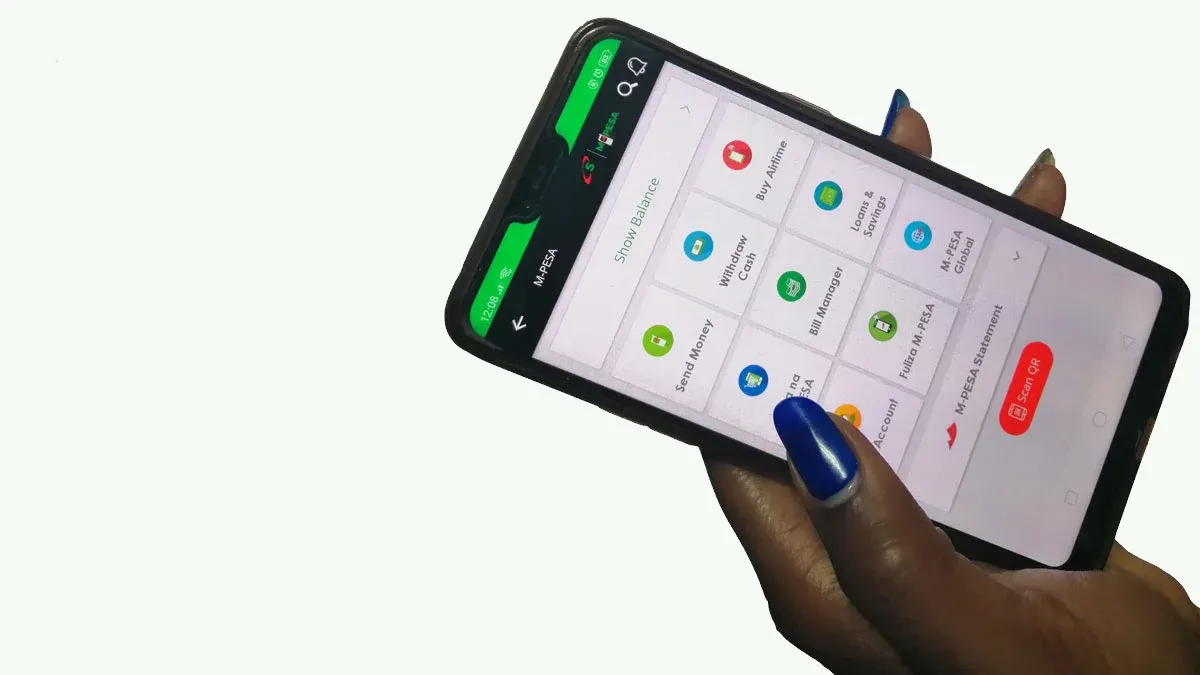
If you have a smartphone, the M-PESA App is a much more visual way to keep track of your limit and take a look at your usage history.
-
Open up your M-PESA App, and log in.
-
Look for the "Transact" tab or the "Financial Services" section.
-
Then, choose Fuliza.
-
Your available limit & total limit will be right there on the dashboard for you to see.
Method 3: During a Transaction (If Your Balance is Insufficient)
If you try to do a transaction (like sending money, buying goods or airtime) that goes over your current balance, M-PESA will automatically give you a prompt.
-
It tells you that your balance is not enough, and you can choose to "Fuliza KES [Amount] to complete this transaction".
-
They will also show you the maximum amount you can overdraw at the moment.
How to Grow Your Fuliza Limit (Not Fixed, It Needs Work)
Your Fuliza limit is not set in stone, it gets reviewed every three months based on your credit score and how you use M-PESA. To see an increase, keep in mind these factors:
-
Keep Using M-PESA: Try to do most of your daily transactions (Paybill, Buy Goods, Send Money) on M-PESA. The more you use it, the better your financial profile looks.
-
Pay Back ASAP: Paying your Fuliza back as soon as you get money into your M-PESA helps build trust with the lenders (NCBA/KCB).
-
Don't Over-borrow: Avoid staying at your limit for long periods of time.
-
Safaricom Services: Using other Safaricom services like airtime, data & M-Shwari also contributes to your overall credit score.
Key Fees and Terms (2026)
It is important to remember that Fuliza is not a standard loan; it is a continuous overdraft.
| Range (KES) | Daily Maintenance Fee |
| 1 – 100 | Free |
| 101 – 500 | KES 5 |
| 501 – 1,000 | KES 10 |
| 1,001 – 1,500 | KES 20 |
| 1,501 – 2,500 | KES 25 |
| 2,501 – 70,000 | KES 30 |
-
Access Fee: A one-time fee of 1% is charged on the amount you overdraw.
- Grace Period: You have 30 days to settle the balance. If not settled, your limit may be suspended until full repayment is made.