KUCCPS Inter-University Transfer 2026: Step-by-Step Portal Guide and New Rules
Following the official release of the 2026/2027 university placement results on July 8 2026 by Education Cabinet Secretary Julius Ogamba, we found out that a whopping 293869 candidates from the 2025 KCSE cohort have managed to snag a spot at a higher learning institution.
However receiving your placement isn't the end of the road, not by a long shot. If you find your allocated university or academic programme just isn't cutting it in terms of career goals, location, or family budget then the 2026 KUCCPS Inter-Institutional Transfer window is there to bail you out.
To give students and families plenty of time to make an informed decision without panicking, the Ministry of Education has made some changes: the transfer window has been extended from the usual couple of weeks to a full calendar month 30 days.
1. Key Rules and Cut-off Points You Need to Know
To get started on the portal, youve got to meet some strict guidelines. The KUCCPS algorithm handles transfers with clear boundaries like this:
-
You can only apply for a transfer if you were officially placed in a university or Tvet by KUCCPS this cycle.
-
Youre going to have to meet the minimum subject cluster requirements and the 2025/2026 cut-off points for the new course at the target institution. If your cluster weight is lower than the last student who got into that course then the system will automatically reject your request.
-
The receiving university has to have some open slots in their lecture halls for that specific course code
-
You can only apply to one preferred institution and one academic programme at a time.
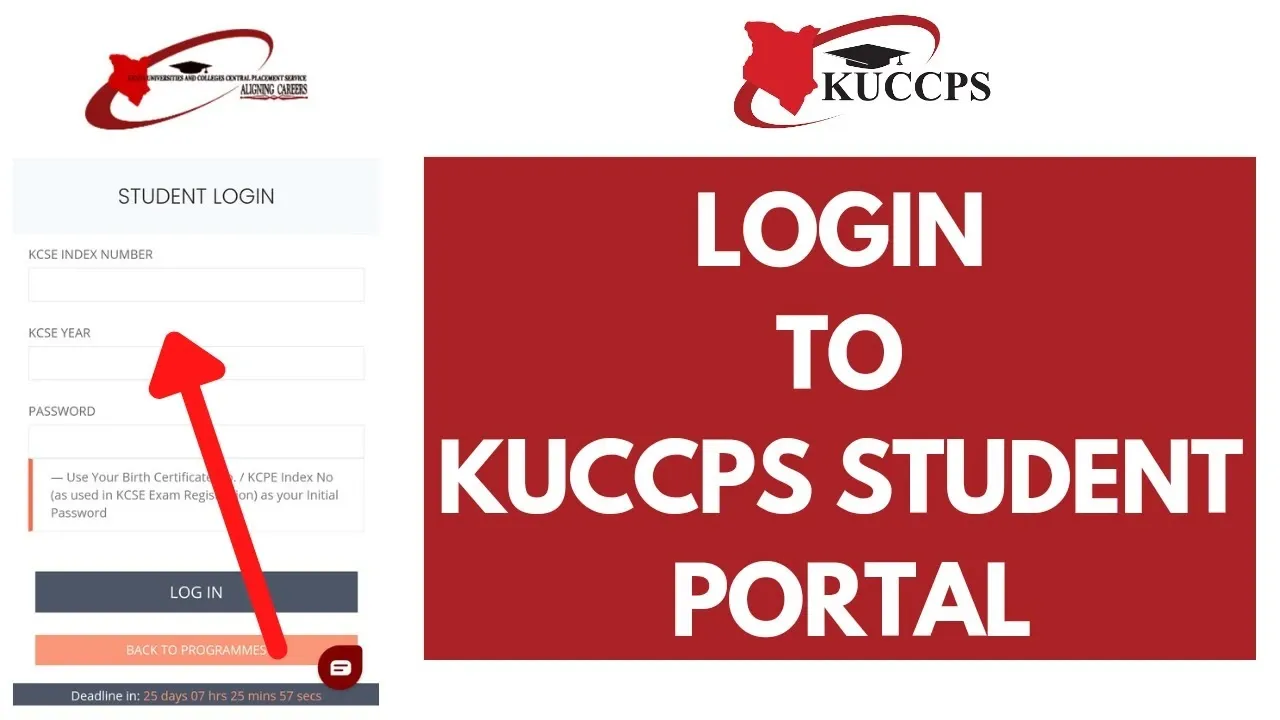
2. Step-by-Step Portal Application Guide
The entire inter-university and inter-course transfer process is 100% paperless and securely managed via the web.
Follow this sequence to execute your transfer request:
3. The Structural Impact on Your Higher Education Funding
One of the big concerns for students who are thinking of transferring is that it will affect their ability to get government support.
But Education Cabinet Secretary Julius Ogamba has made it clear that successful transfers wont affect your eligibility for government funding. That being said, because the Higher Education Funding model is all about individual student bands you do need to follow the right process.
[ Successful KUCCPS Online Transfer ] ➔ [ Automated System Validation ] ➔ [ HEF Portal Updates Scholarship/HELB Records ]
As long as you complete your transfer on the KUCCPS digital platform, the funding agencies will automatically get everything sorted on their end and your allocated government scholarship and student upkeep loans will safely transfer over to your new campus.
Summary of the 2026 KUCCPS Transfer Parameters
| Metric / Feature | Previous Transfer Rules | New 2026 Transfer Rules |
| Window Duration | 2 Weeks (14 Days) | 1 Month (30 Days) |
| Application Method | Online Portal | Online Portal exclusively |
| Processing Fee | KSh 1,000 | KSh 1,000 (Payable via eCitizen) |
| Funding Portability | Manual adjustment requests | Automated sync with HEF / HELB |
| Processing Timeline | Variable | 1 Day to 2 Weeks depending on university responses |
Crucial Tip for Applicants: Do not make the mistake of applying blindly to highly saturated courses like medicine, architecture, or law unless you are certain your cluster weight sits comfortably above the baseline cut-off. Use the portal's historical trend tabs to check your metrics before committing your KSh 1,000 payment token.